
F2Game’s APK listing describes games, reward activities and account functions. This article explains the features, flags conflicting specifications and covers Android setup. Claims about loading speed, security or payments are not supported by independent tests here.
Reading the F2Game Listing Before Installation
1. The App Behind the APK Name
The F2Game APK is described as an Android gaming app with games, daily tasks and bonuses. Menu access and varied content are advertised features. We have not tested the release, measured popularity or confirmed updates; check dated publisher information.
An APK guide cannot authenticate a file. Inspect its source and permissions before installation.
2. Comparing the Advertised Features Fairly
When comparing the F2Game app with another service, use matching games, rules and versions. Ignore broad claims that lack evidence and inspect practical details.
Opening Speed and Screen Response
Observe launch time and stability on your phone. No benchmarks support the low-RAM claim; storage, Android version and network quality affect results.
Game Categories Named in the Source
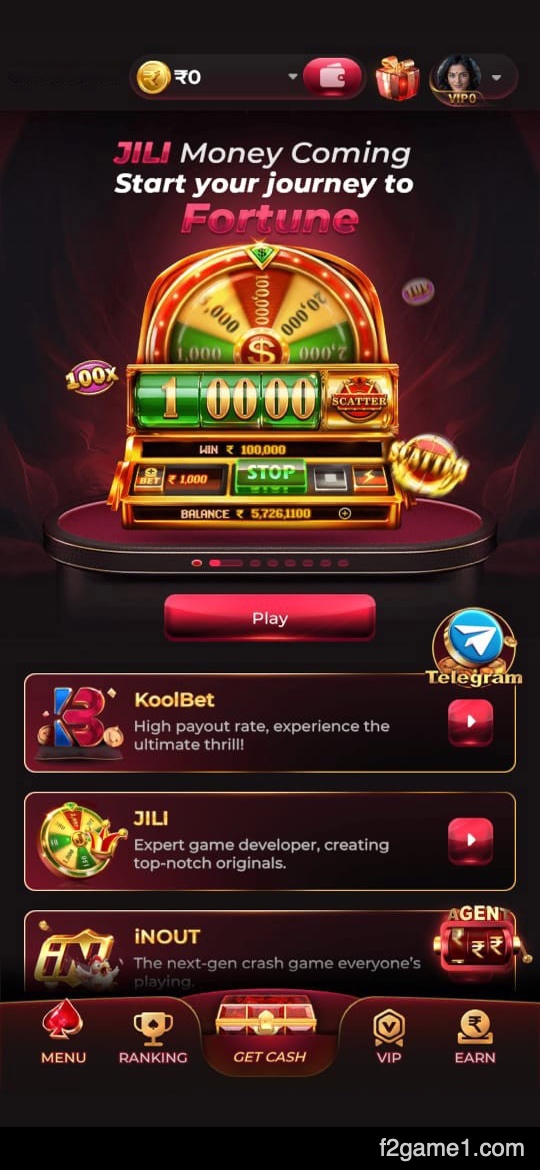
The catalogue description mentions these groups, rather than verifying the titles available in a current build:
Slots with reel combinations
Crash rounds with rising multipliers
Fishing and target-shooting modes
Casino-style formats
Card-based games
Live event activities
Arcade titles
Having more categories is a matter of choice, rather than evidence of better odds or returns.
Rewards Attached to Activities
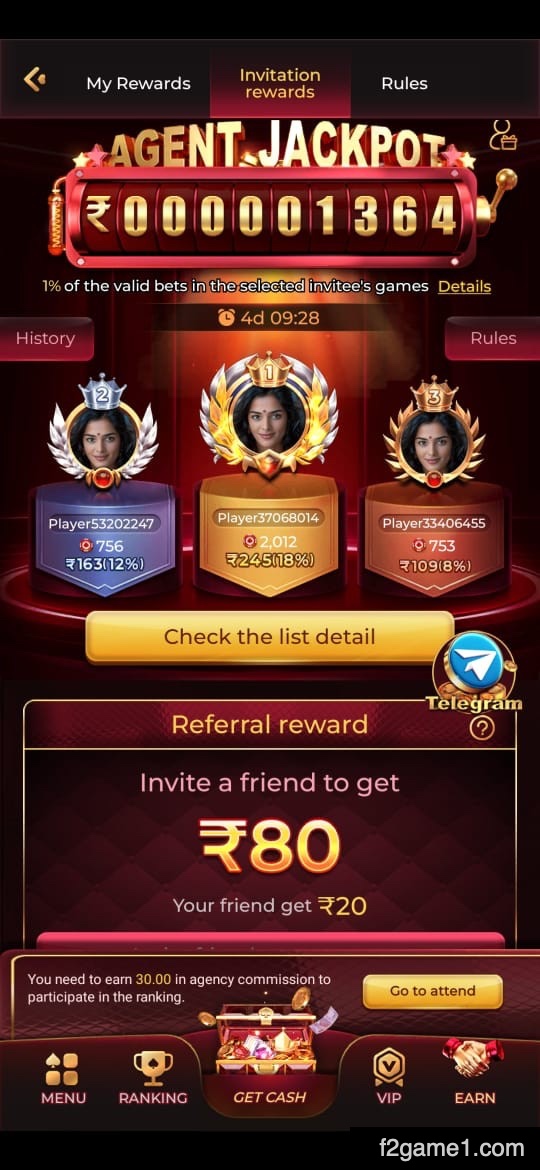
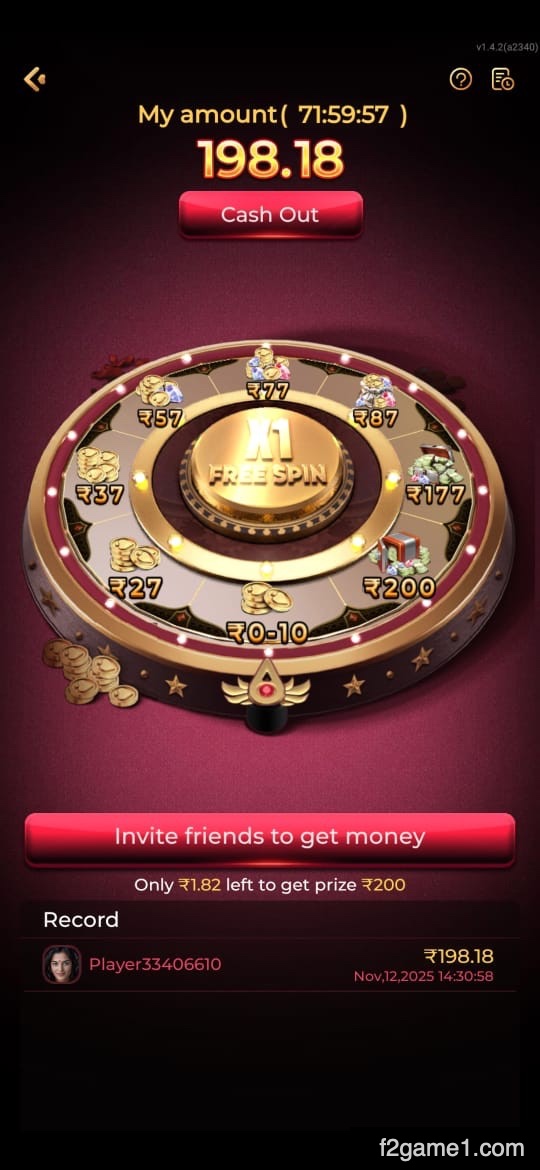
The listed login, invitation, mission and spin offers have qualification rules. Inspect expiry and restrictions. There is no evidence here of more frequent offers than competitors or assured cash-out for every bonus.
Menus and Navigation
Useful menus make rules, settings and help easy to find. No usability test supports the description. Inspect text size, errors and wallet screens on your own phone.
Access and Payment Protection
Encryption and payment-protection claims lack a technical assessment here. Inspect operator identity and privacy terms. Keep passwords and OTPs private; a payment logo does not verify security.
How Support Is Described
The source advertises continuous help for topics such as:
Login problems and account recovery
Questions about deposits or withdrawal requests
Help with game rules and controls
The advertised 24/7 availability is untested. Verify the contact route and retain enquiry records without disclosing private codes.
Release Notes and Conflicting Package Figures
| Feature | Description |
|---|---|
| App Name | F2Game APK |
| Version: | Latest 2025 release |
| Size: | Approx. 55–65 MB |
| Compatibility | Android 5.0+ |
| Downloads | 1M+ (approx.) |
| Type | Online Gaming & Rewards |
| Update Frequency | Monthly |
| Price | Free |
4. Tools to Review inside the Account
The listing for F2Game App describes signup, menus and wallet tools. Confirm each in the build you open.
1. Phone Signup and Account Access
The described registration method uses a mobile number and an OTP. Follow the intended account prompts and keep the code private, including from anyone claiming to offer login help.
Finding the Useful Account Screens
Locate the menus that show your account details, activity record and balance. Familiarity with those screens helps you check what was recorded after a task or game.
Where Conditional Bonuses May Appear
The offer list names several possible credit types:
An eligible login offer
A qualifying invitation benefit
An event-specific promotion
A spin-related bonus
Read each condition; a credited offer is not automatically cash.
Deposits, Withdrawals and Records
Use payment methods shown in your account. Check the recipient and amount, then retain the transaction reference.
File Size Is Inconsistent Across Pages
The table says 55–65 MB, while the homepage shows 21 MB and 50–80 MB. Check the actual package size.
Android Requirements Also Differ
5.0+ conflicts with 6.0+ elsewhere. Samsung, Vivo, Oppo, Realme or Xiaomi branding does not establish build compatibility.
5. A Phone Setup Sequence to Follow
Check the file before installation. Keep device protection enabled and read prompts rather than dismissing them:
Start: Inspect the Download Route
Confirm the publisher and package destination before saving the APK to your phone.
Next: Review the Installer Request
Obtain the F2Game APK from a provider whose connection to the publisher you have checked.
Then: Find the Saved APK
Look in your phone’s Downloads area and confirm the file name before opening it.
Step Four: Read Android’s Installer Message
Tap the APK, review any request to allow that source and select Install only if details match. Investigate any warning.
Finish: Open the App and Recheck Access
Inspect the first account screen, then revoke installation-source permission when it is no longer required.
6. Reviewing the App after Setup
Before committing to an activity, use the screens to:
Sign-in and account registration
The catalogue of available game modes
Check task qualification and any cost
Separate pending benefits from credited amounts
Inspect cash available in the wallet
Review any deposit or cash-out conditions before acting
7. Questions about the Android File
1. What does this package claim to offer?
The listing describes games, daily activities and bonuses. Confirm catalogue access and wallet functions in the actual build.
2. Has its safety been verified here?
No. This website provides no independent package scan or publisher verification.
3. What is the sensible installation order?
Check the source, save the APK and read Android’s prompt before continuing.
4. What should I check if the app does not start?
Check connectivity, Android requirements, storage and file integrity. Avoid unknown modified packages.
5. What Changed in the Newest Build?
No dated changelog supports the update claims. Confirm release notes before expecting speed, security or feature improvements.
Choosing from Confirmed Details
Compare the advertised F2Game APK release with the file you actually receive. The source’s size and Android requirements disagree across pages, and its claims about monthly updates are not backed by a release record. Confirm those points before applying this guide to a particular phone.
For readers in India, the useful next step is checking the actual game, account and reward terms. Download information can help explain a process; it cannot promise income, uninterrupted performance or a successful payment.
Audience and Limits of This Article
This resource is independent of the F2Game app and its official operator.
The article explains the listing for general reference and learning.
Any activity involving money can result in loss.
Only adults aged 18 or above who meet local access requirements should consider such services.
Set firm spending and time limits.
Table of Contents